Defining the Problem
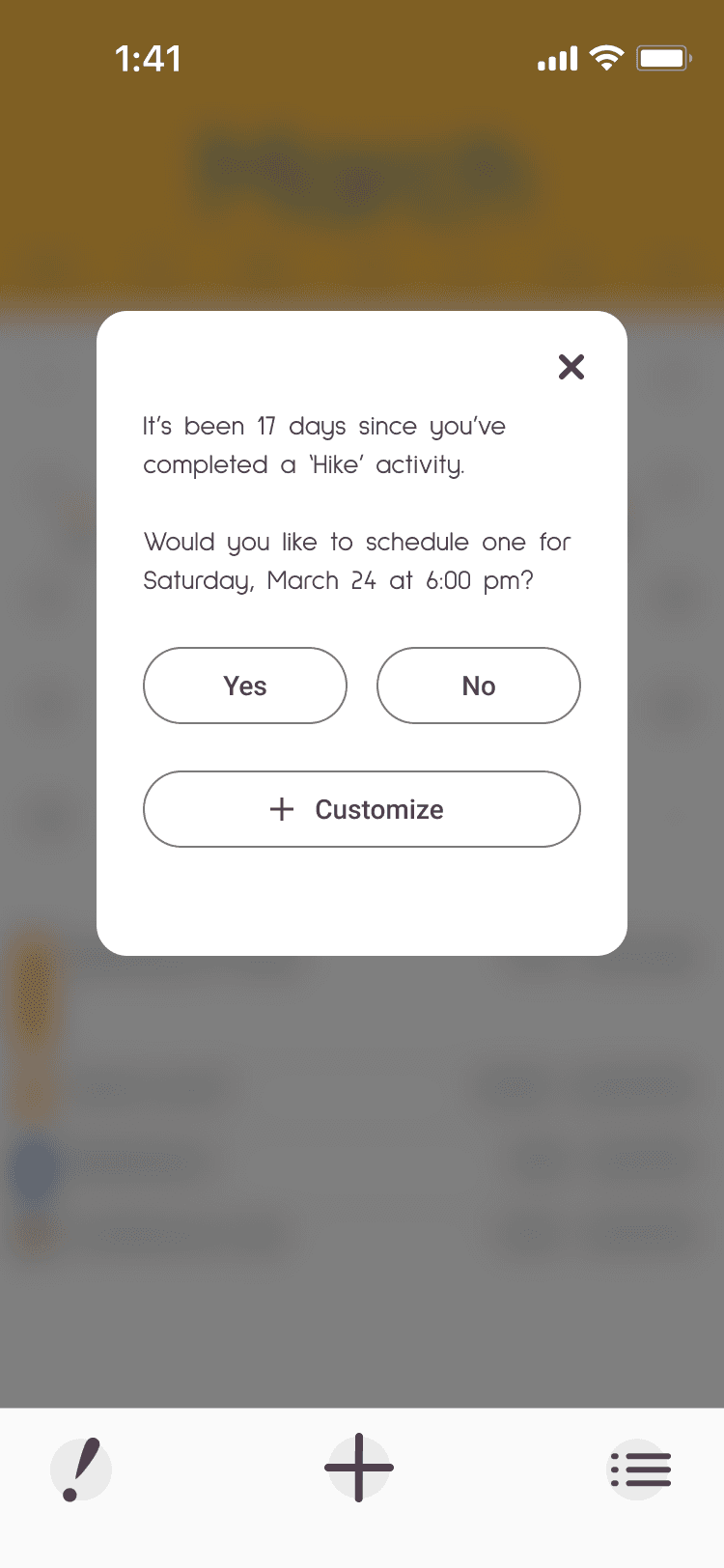
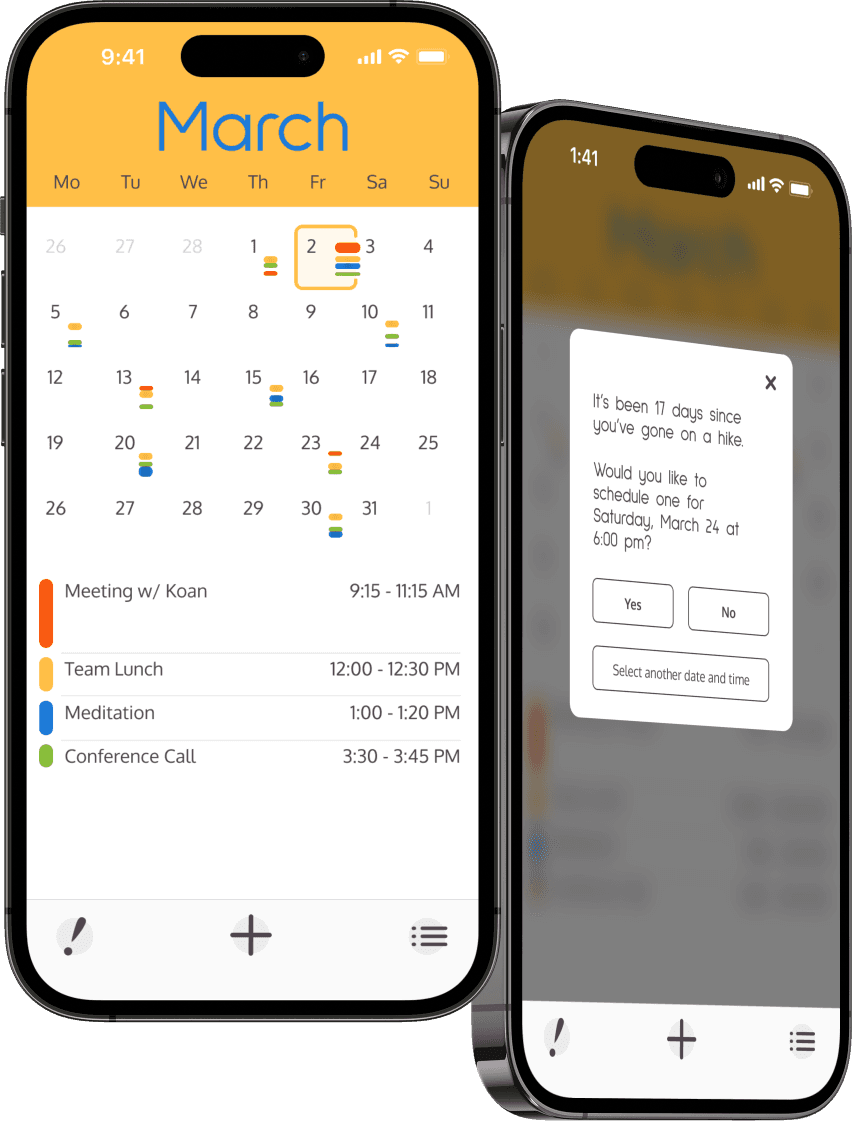
If you’re a busy individual, most likely responsibilities and chores get prioritized above all other tasks. This is where LiWo comes into play. Through event prioritization we tell LiWo which wellness tasks matter to us but are a struggle to stay on top of. Once LiWo recognizes that we’re falling behind on one of these tasks it will remind us and help suggest available times to schedule the event.


Secondary Research
I had to determine if my general theory was correct so I started digging through news articles and research publications. I focused on topics dealing with time management and work-life balance. Once my speculation showed promise I moved onto competitor research.


Competitive Analysis
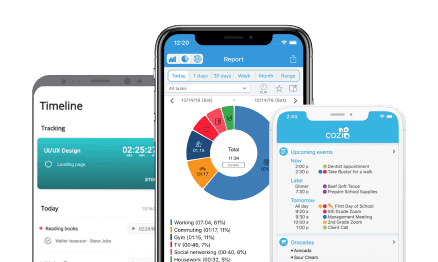
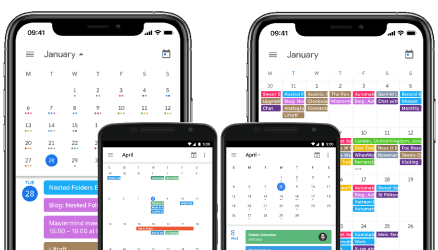
By surveying the internet and app stores I was able to find my closest competition. Comparing their offerings and limitations helped refine the list further until I narrowed it down to two groups; 1. Lightweight mobile apps, and 2. AI based heavyweights Apple and Google. Lightweight apps, although less effective and needing more input from the user to function are quicker to setup. Meanwhile Google and Apple are more powerful but rely on intrusive AI and hoovering up personal data to be used during algorithm crunching.
Who Is the User
User interviews were conducted via video calls, using a 12 question survey. Sessions were kept to around 60 minutes in length. One interesting commonality amongst all interview sessions was just how quickly the conversations developed a life of their own. This often led us on tangents teeming with meaningful insights. User interviews were a great success. Let the data crunching begin!
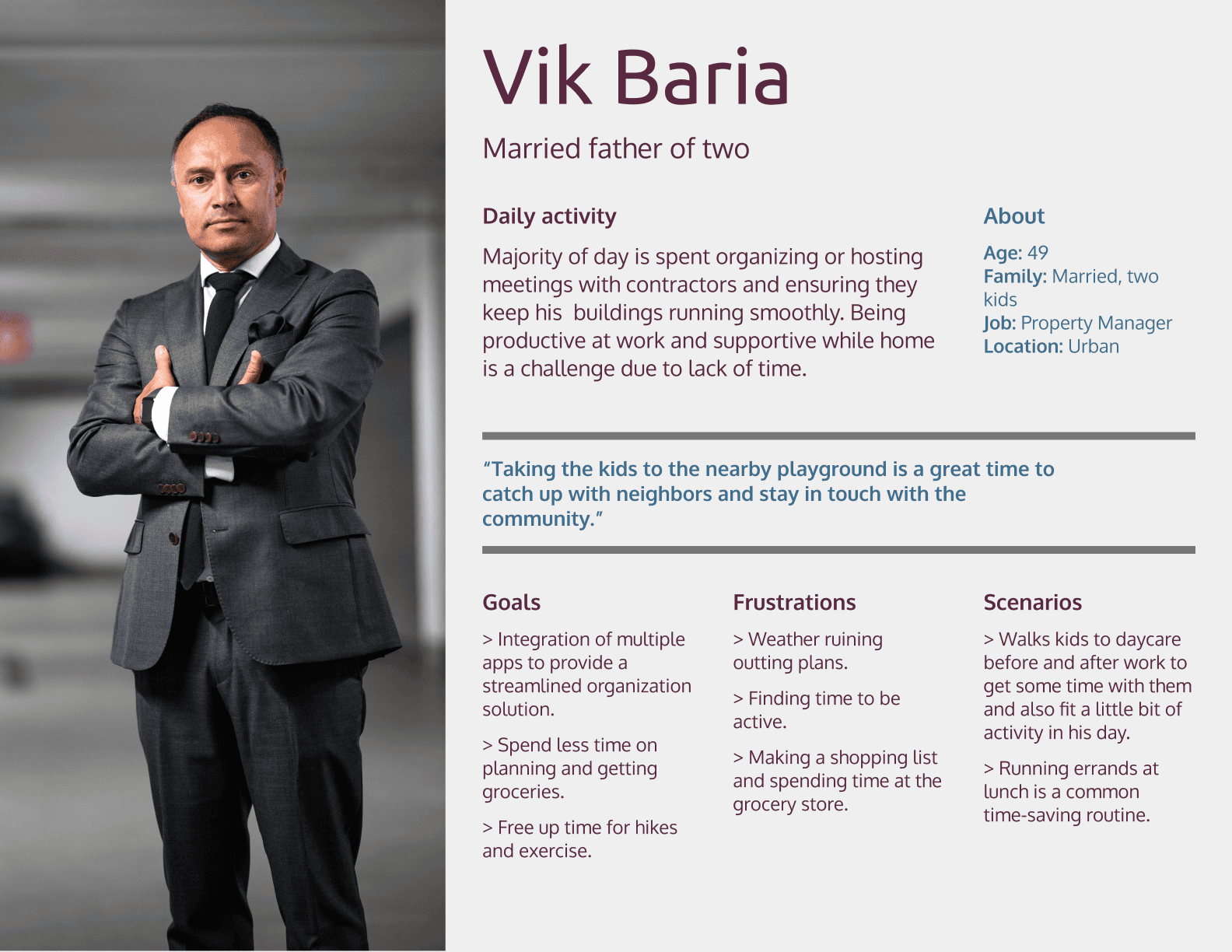
Personas
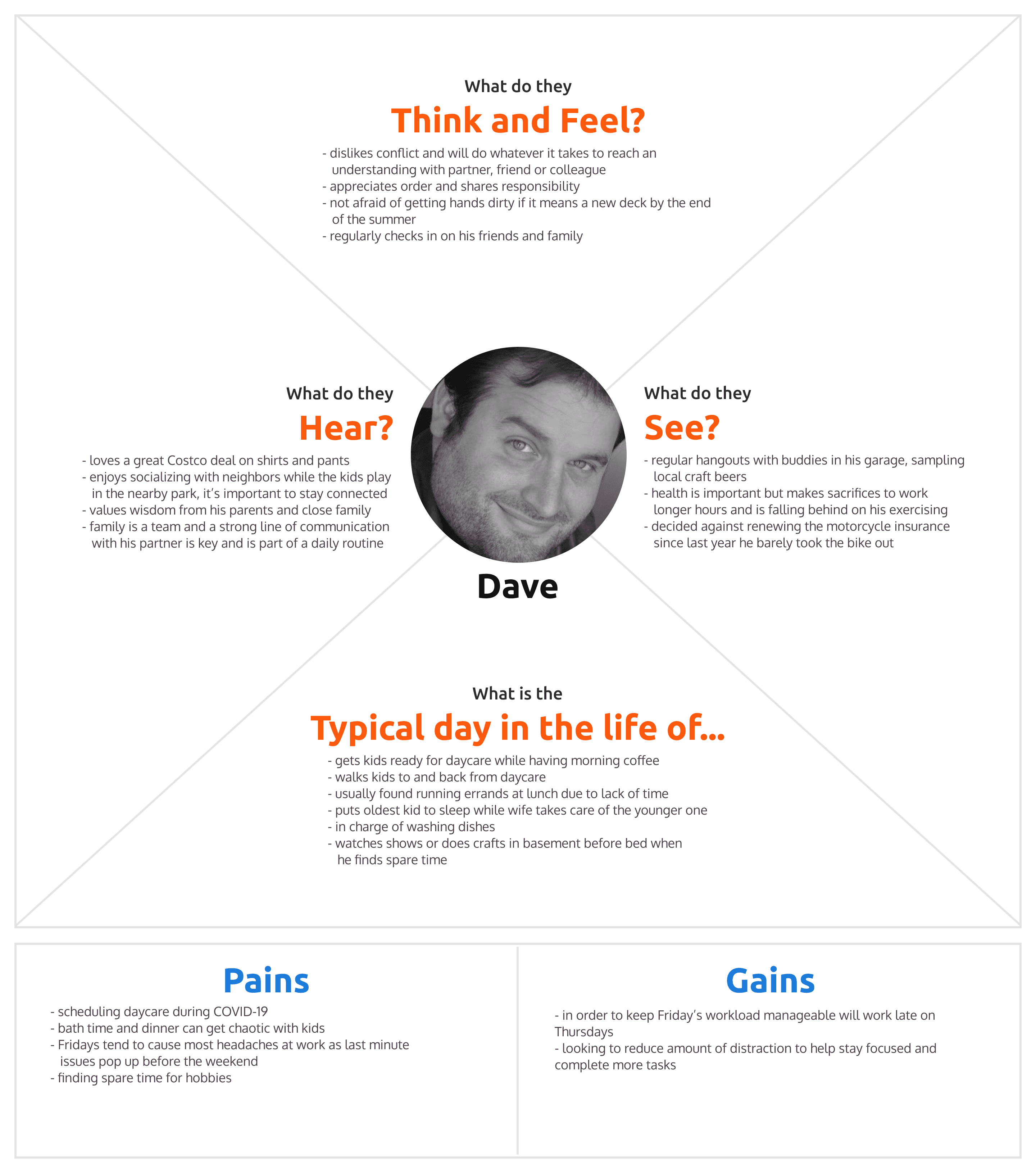
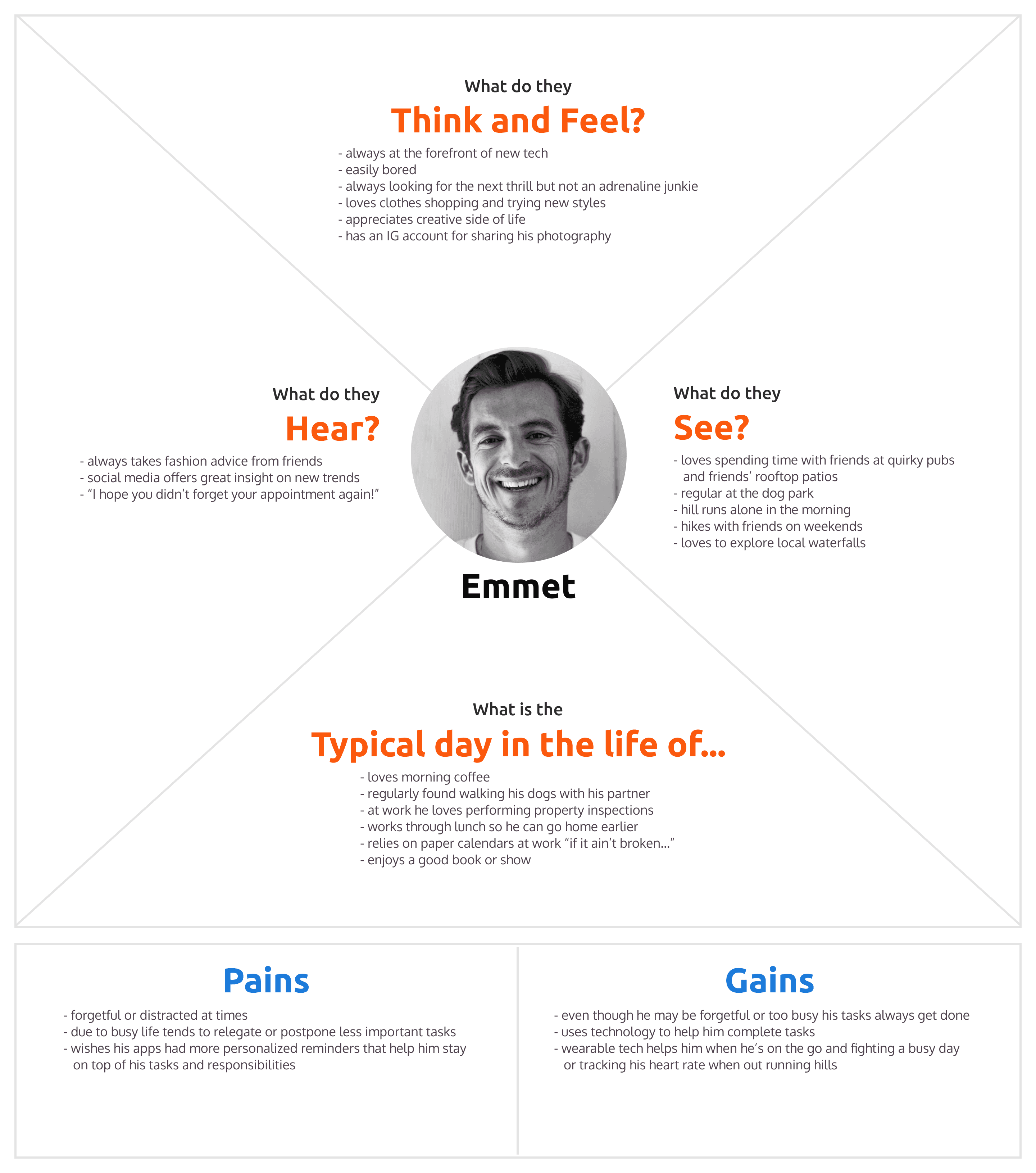
Empathy Map
Information Architecture
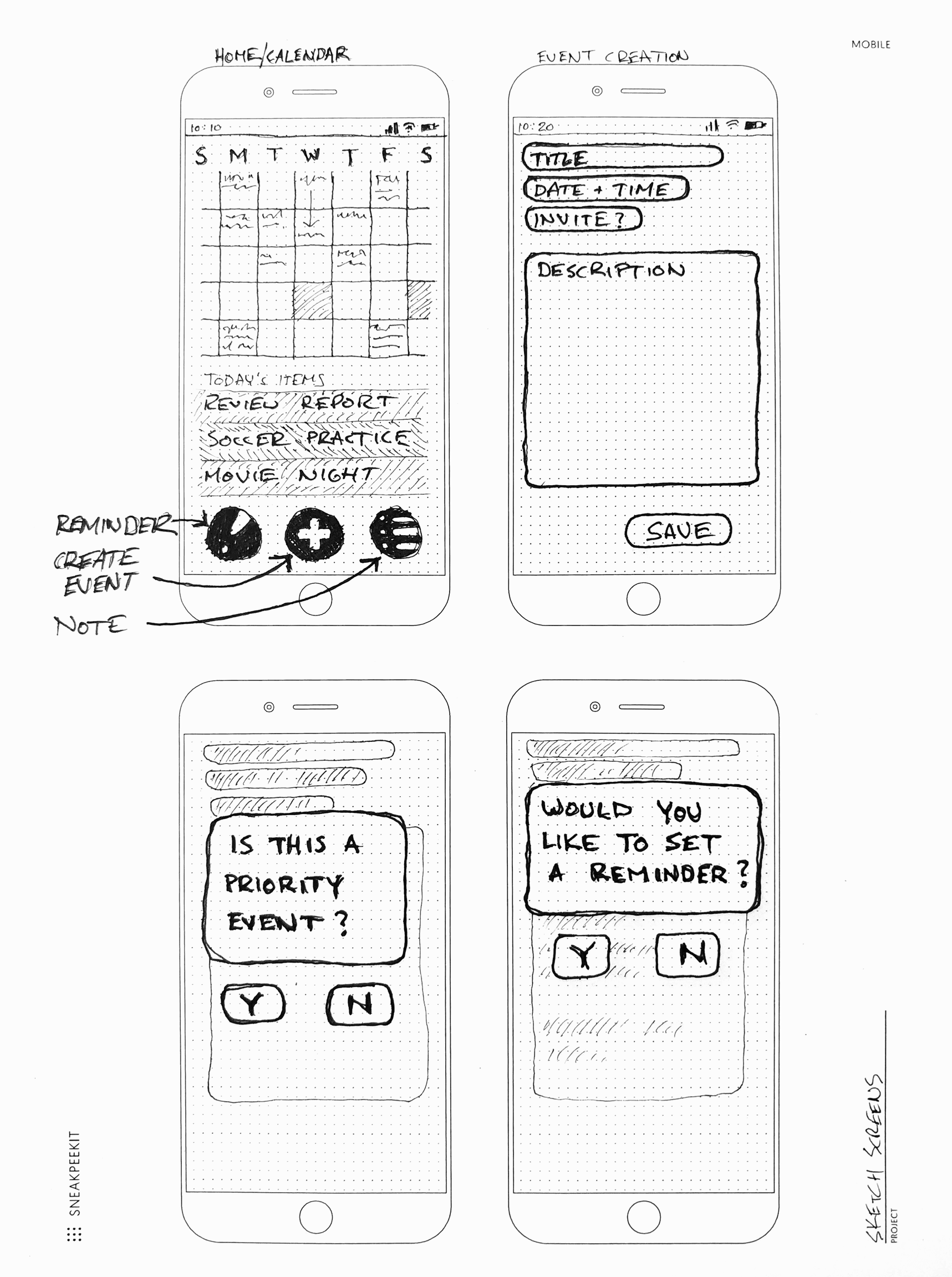
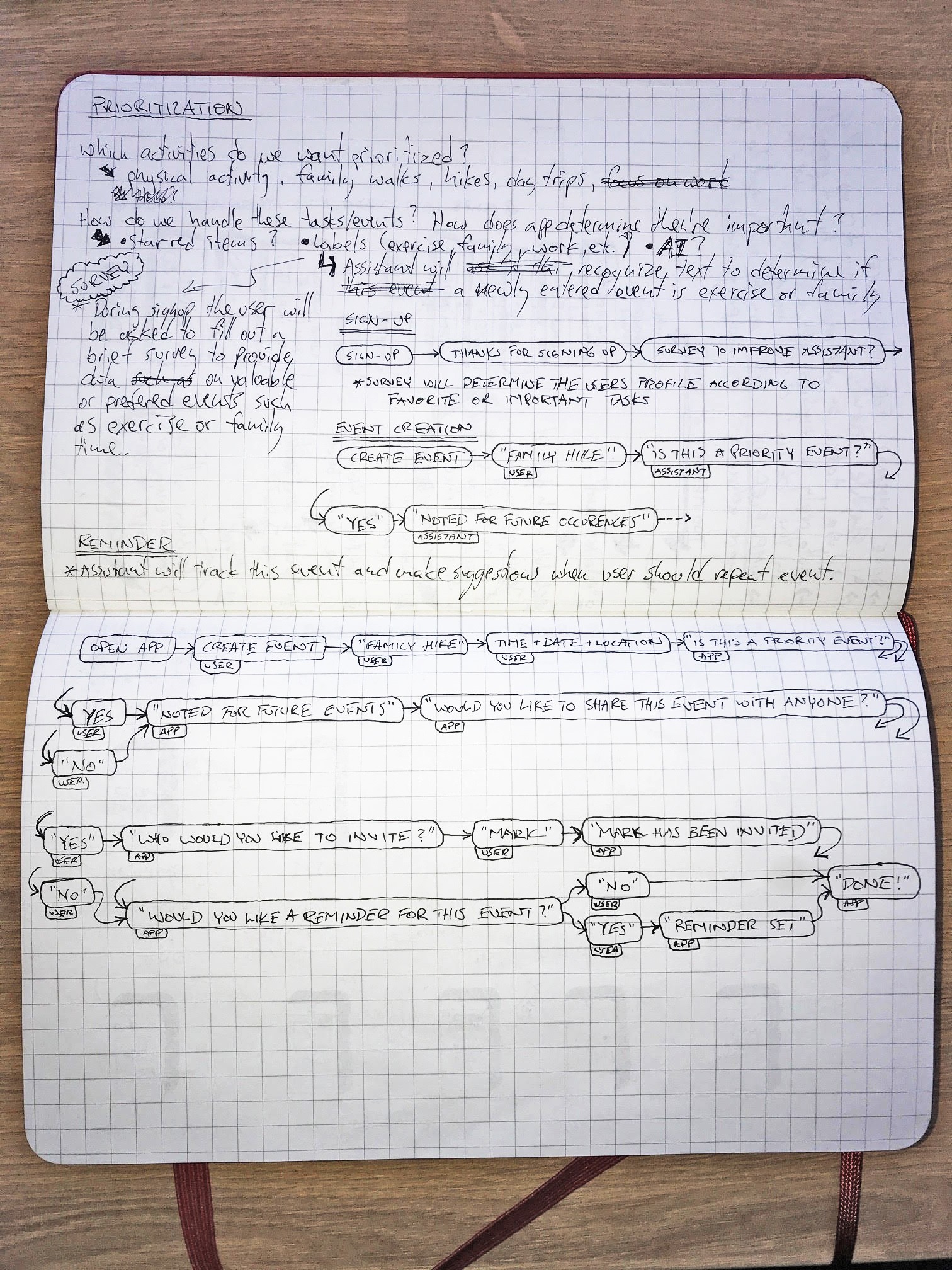
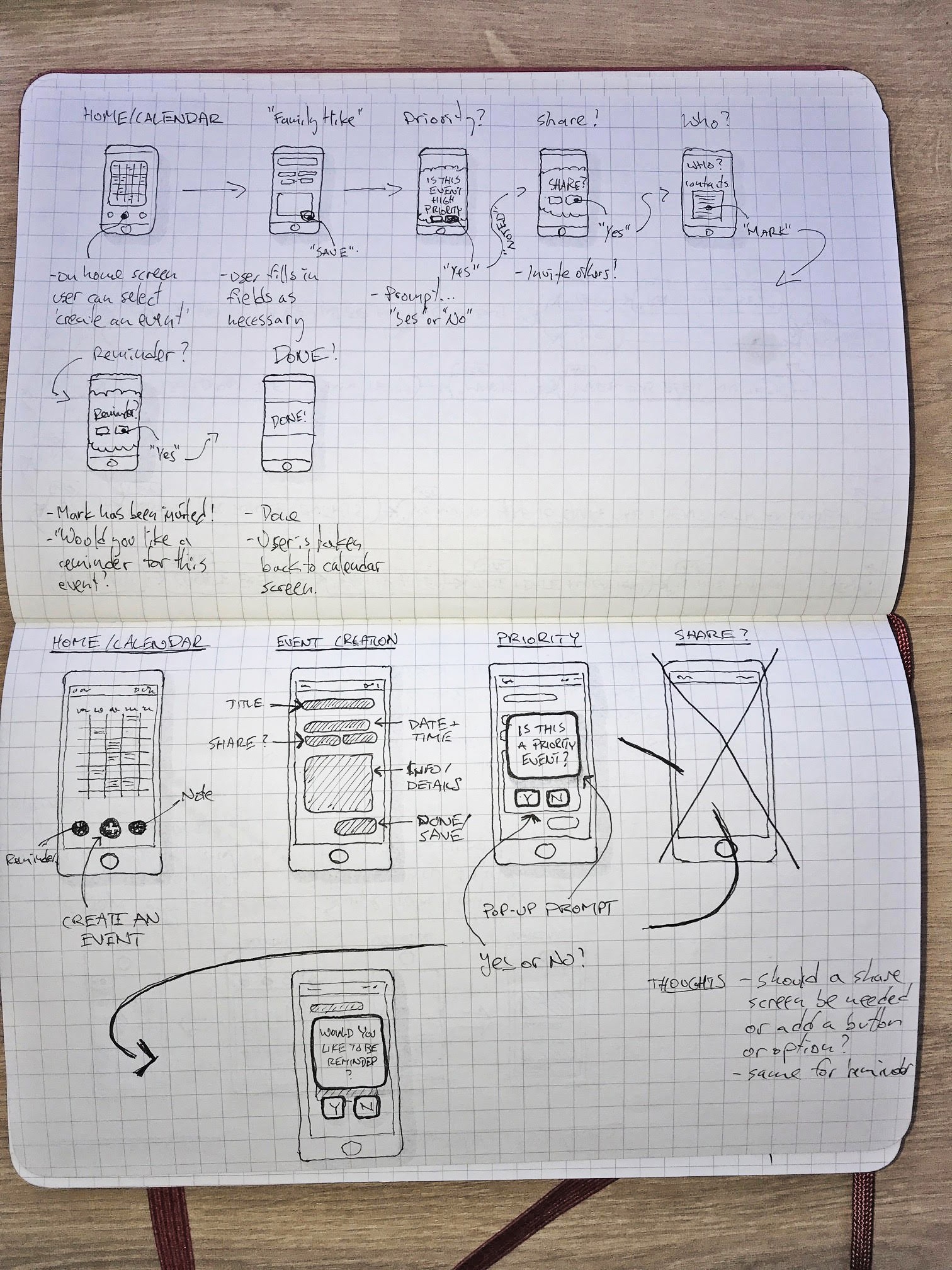
Key features of LiWo are time management and event prioritization. Our users would often reach for a notepad and pen to quickly jot down reminders as this was quicker than using their phone. Providing a simple and quick tool for scheduling events is paramount. By streamlining the task flow we get out of the way of the user and let them quickly enter an event.
Task Flow Sketches
User Flow
Onboarding
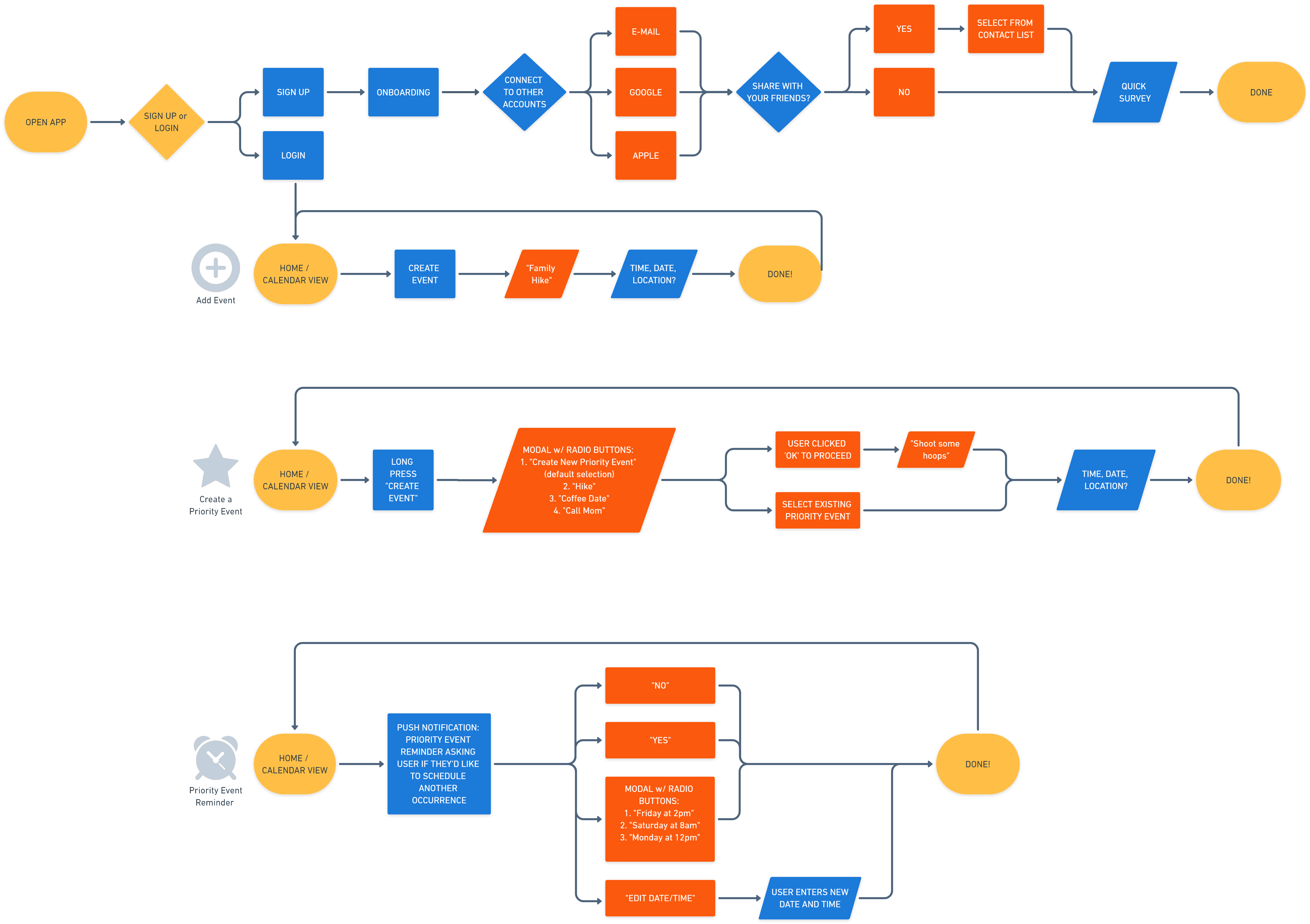
To enhance user engagement I provided an onboarding process. User will be taught some basic but powerful functions to get them up and running. It’s a balancing act where I had to ensure the user gets enough information but it isn’t overwhelming or tedious to the point where the user checks out.
Priority Feature
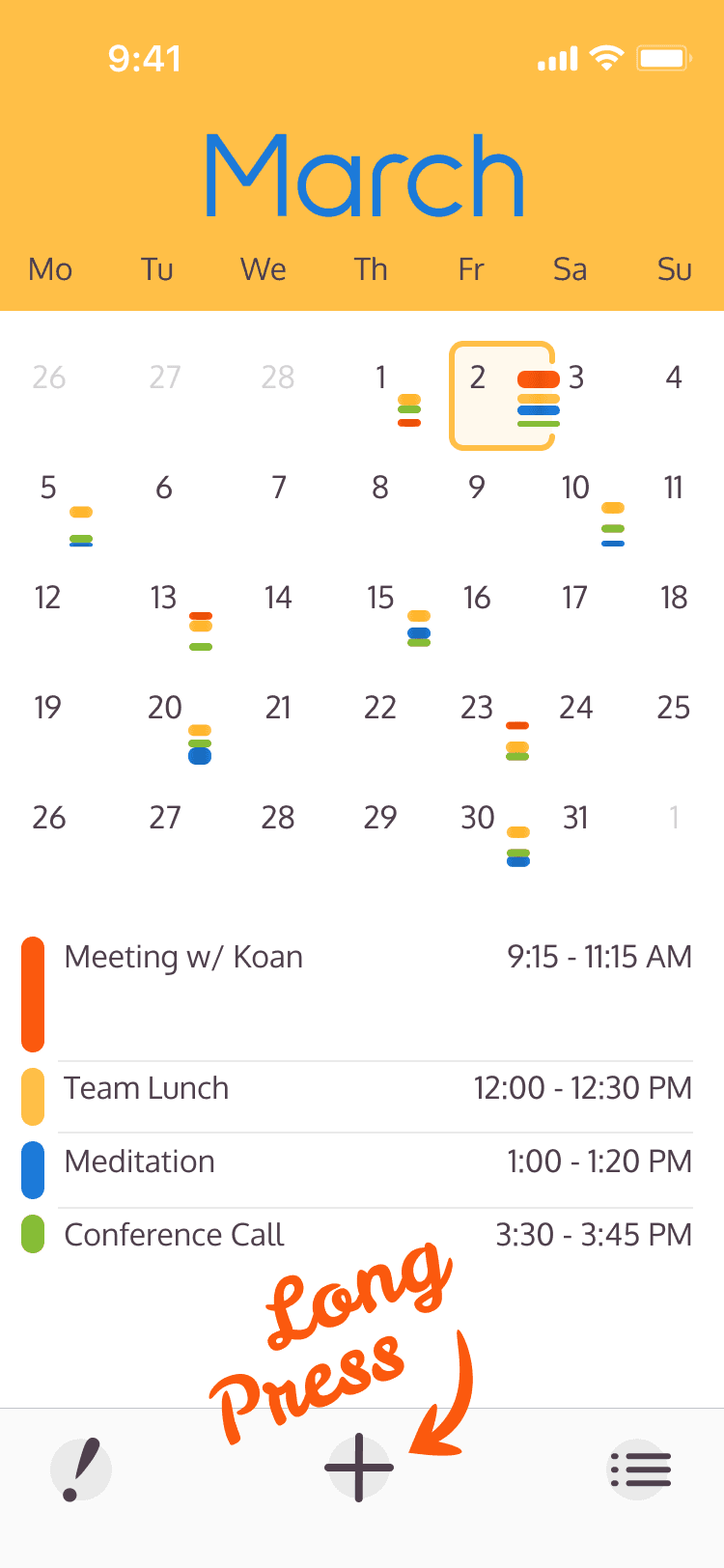
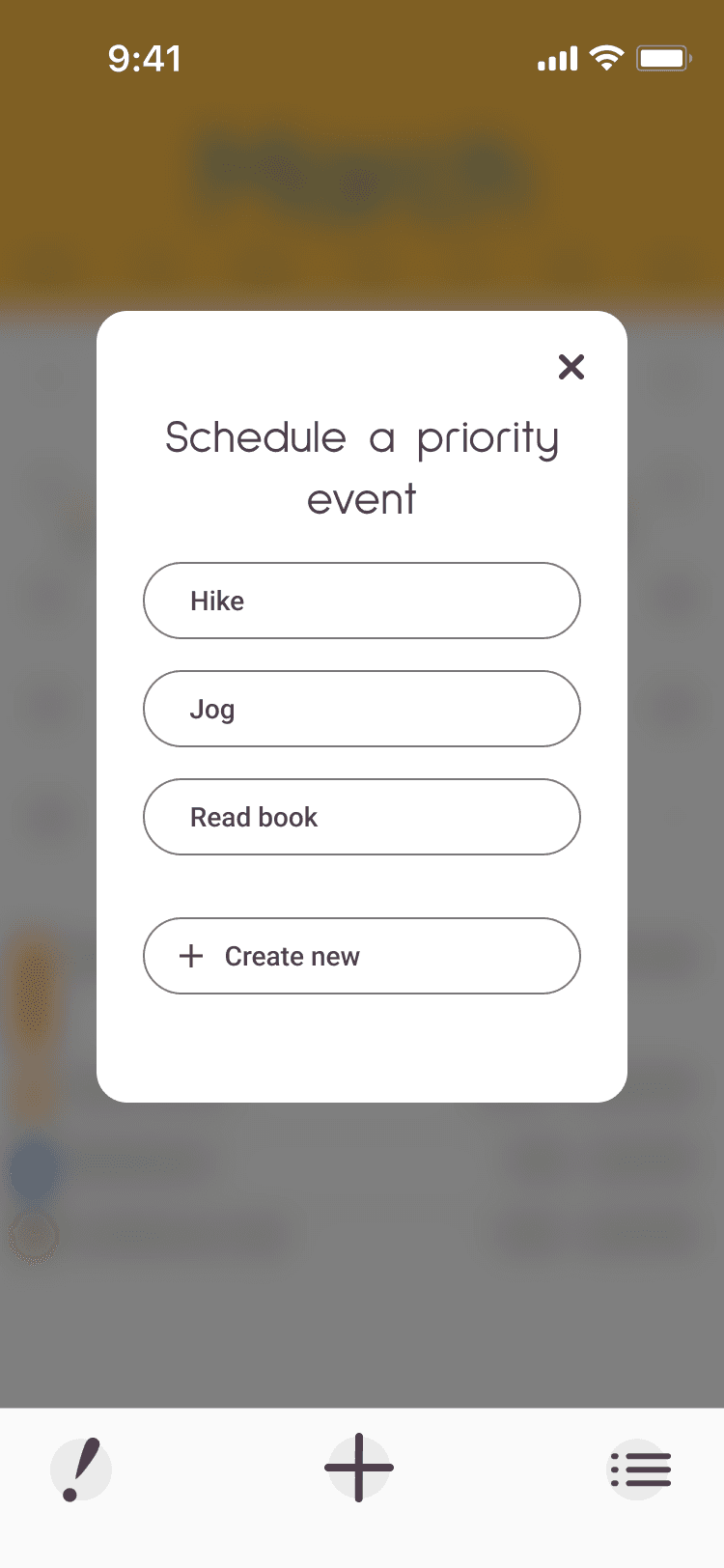
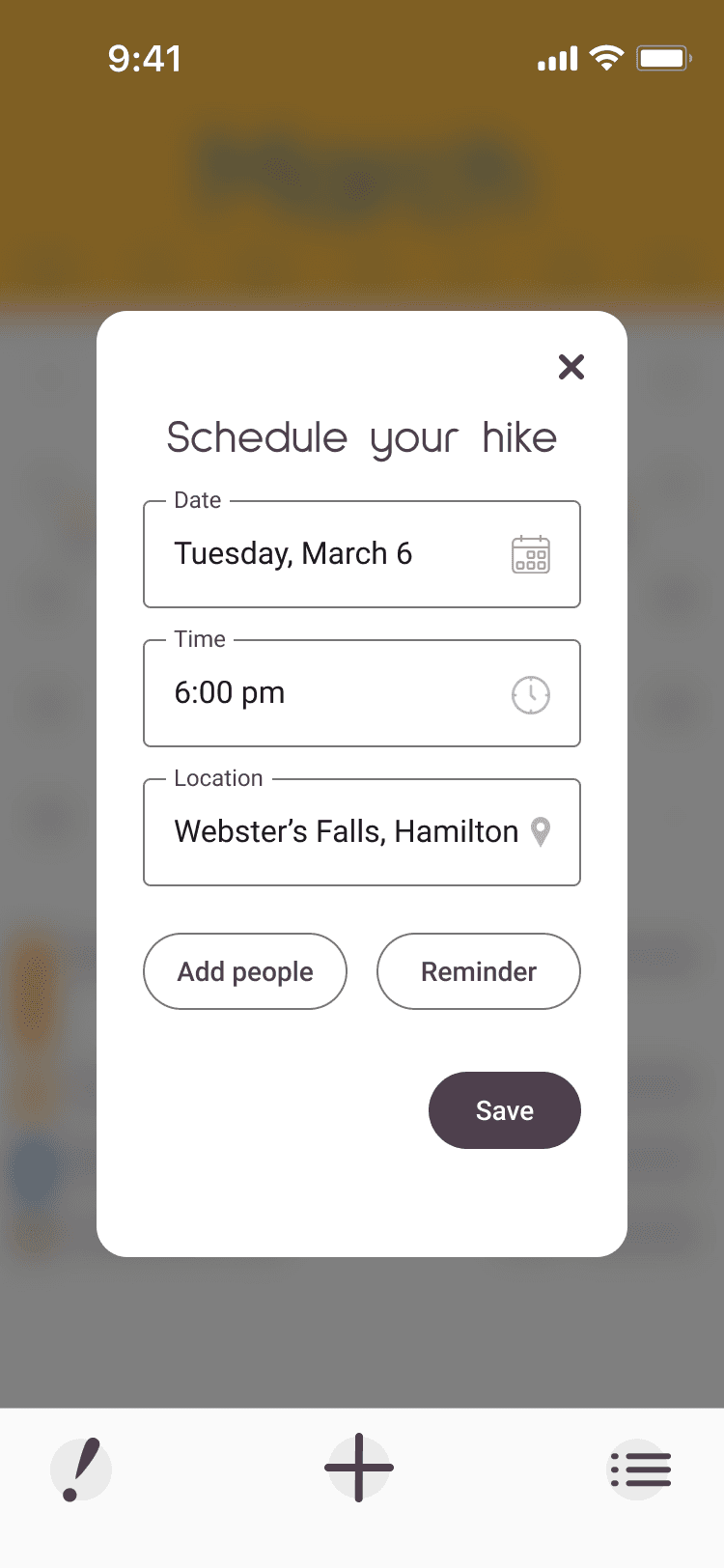
Another time saving feature in LiWo is the shortcut command for quickly adding a priority event. Typically a user would tap the ‘plus’ button to create a new event. This method provides the user with more options but does take up a bit more time. By performing a slightly longer tap of the ‘plus’ button the user brings up a prompt that lets them create a priority event in as little as two taps!